Your whole company,
on one desk.
Ragenaizer is a business operating system: meetings, mail, chat, files, CRM, HR, accounting, projects, learning, buying and research, designed as one product rather than eleven tabs stitched together. Not an ERP bolted onto email — one login, one bill, one place the truth lives.
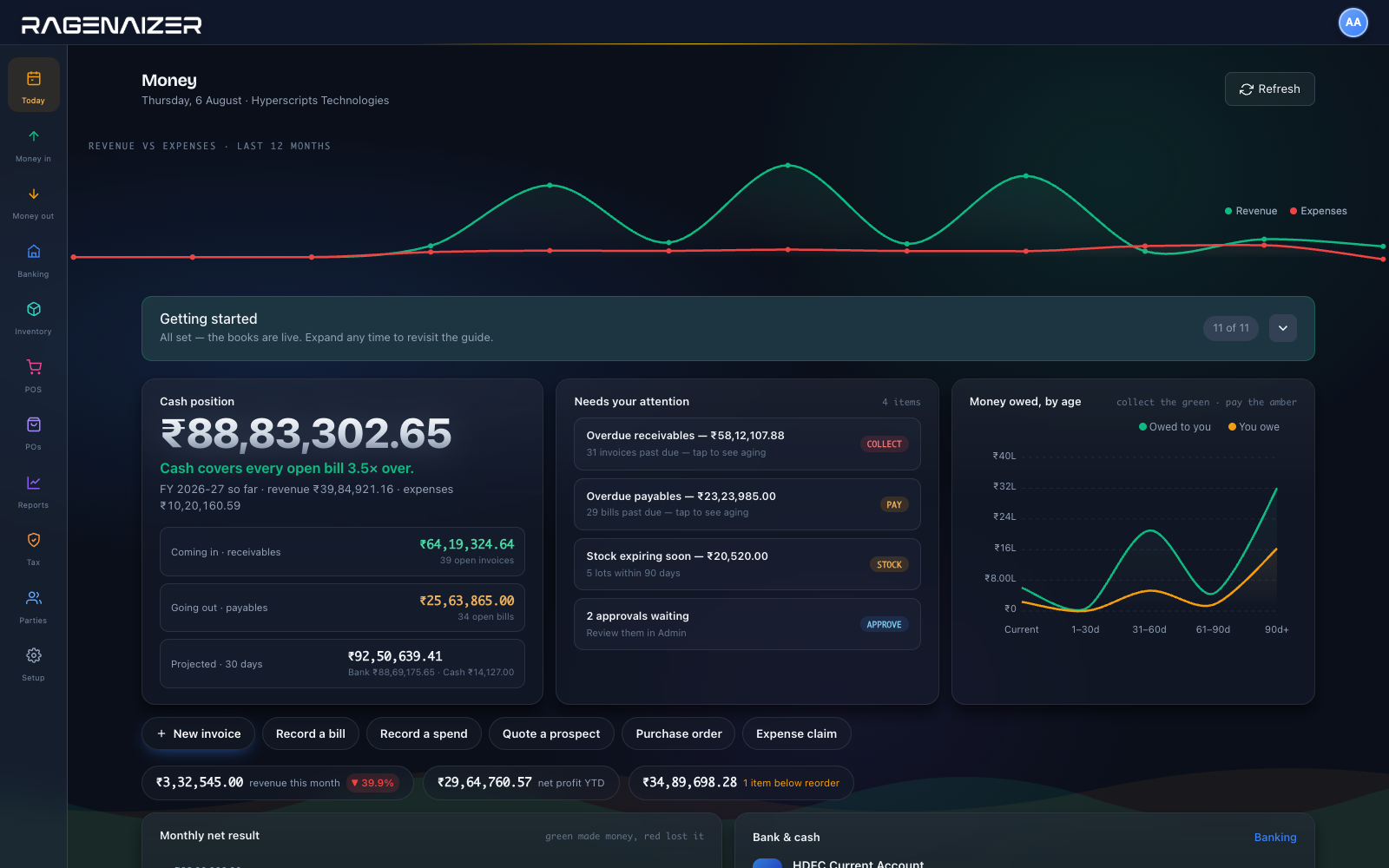
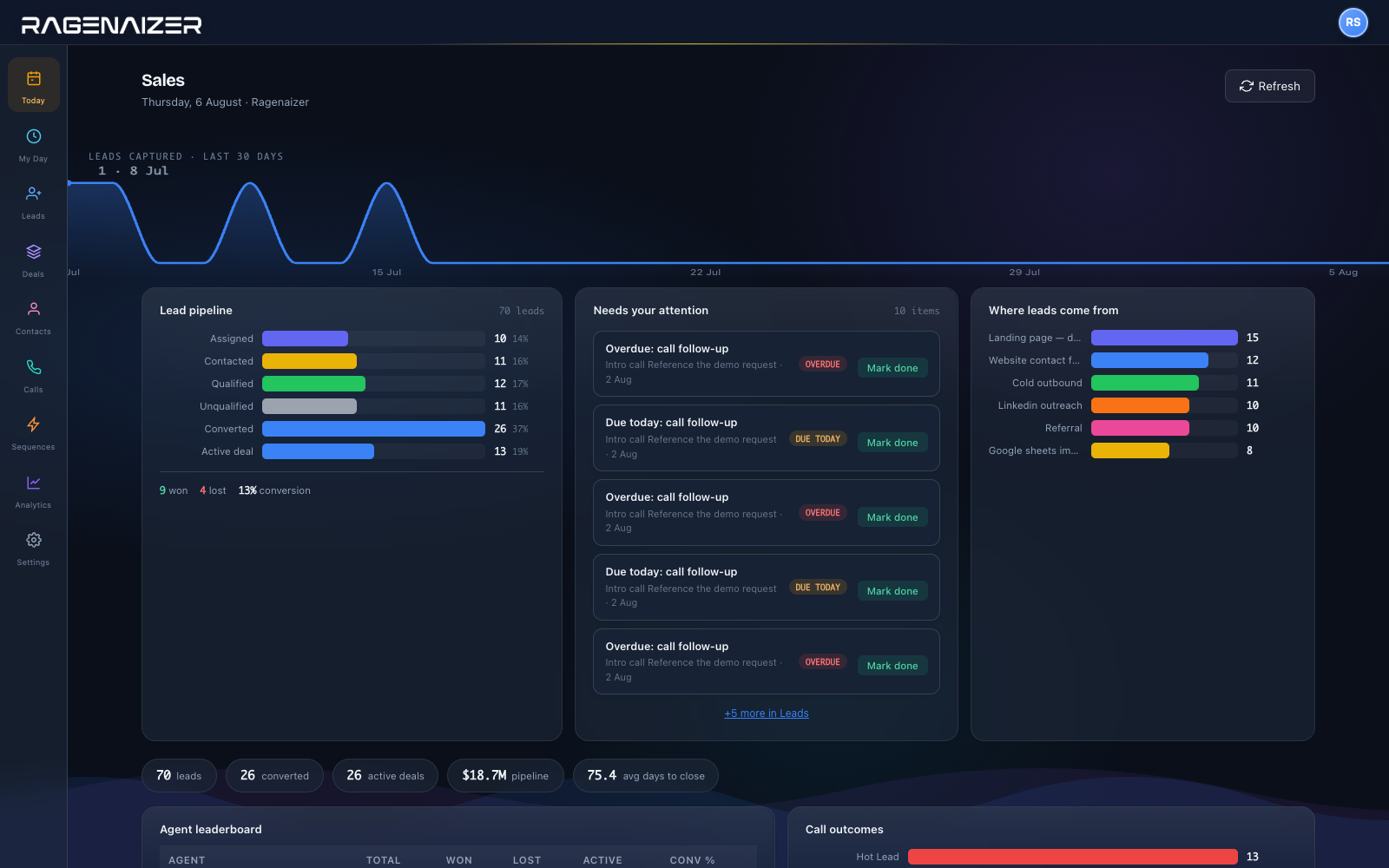
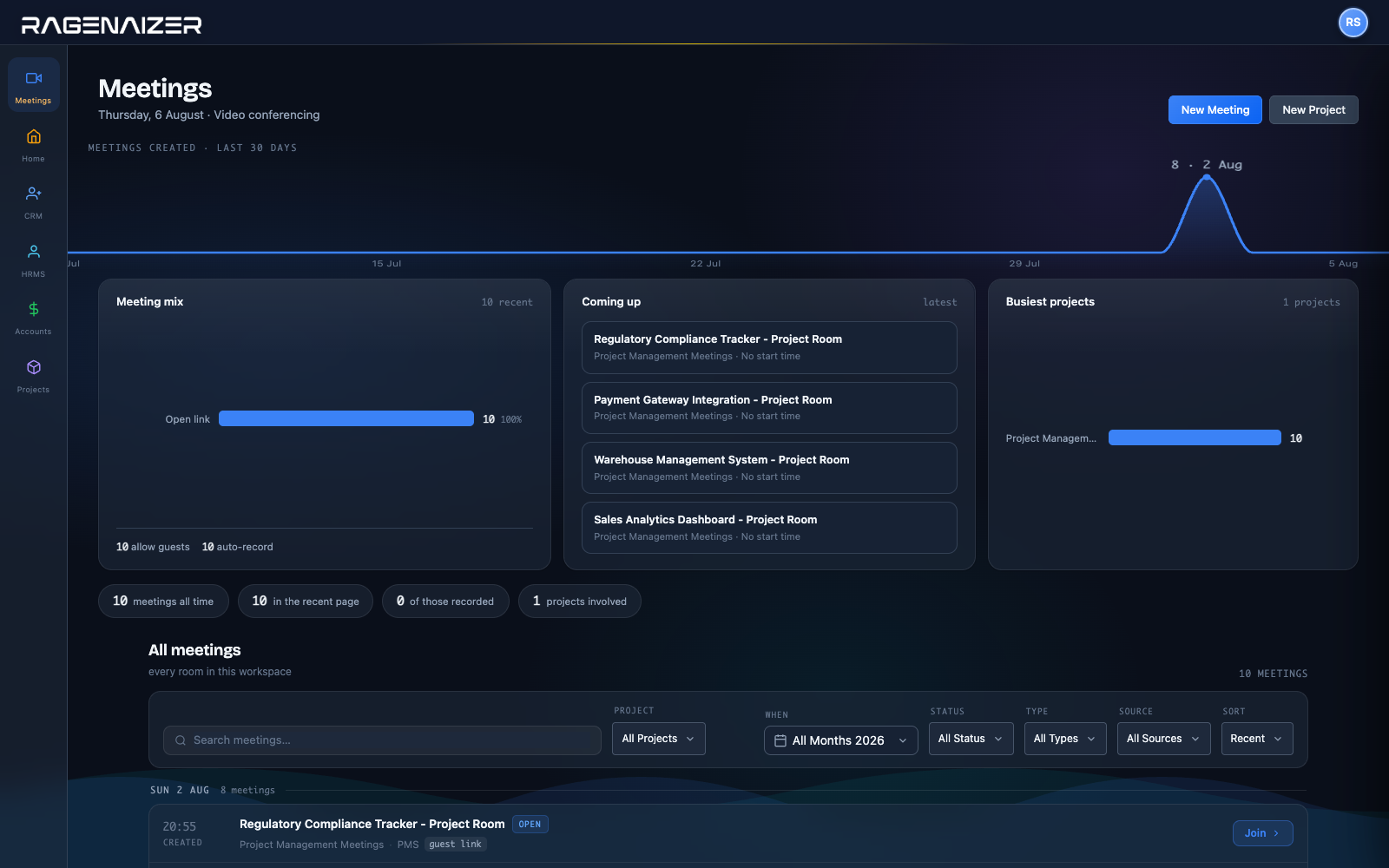
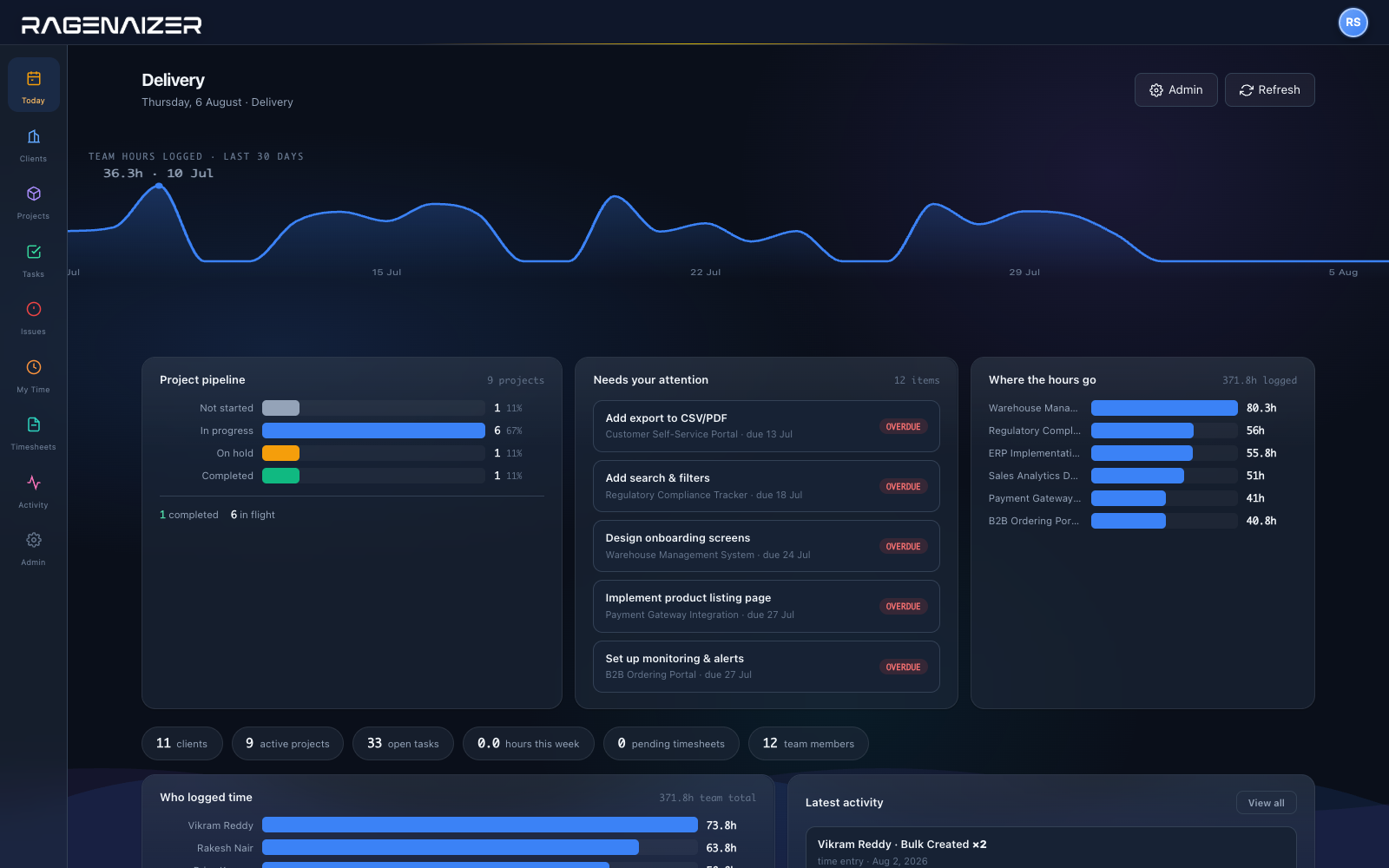
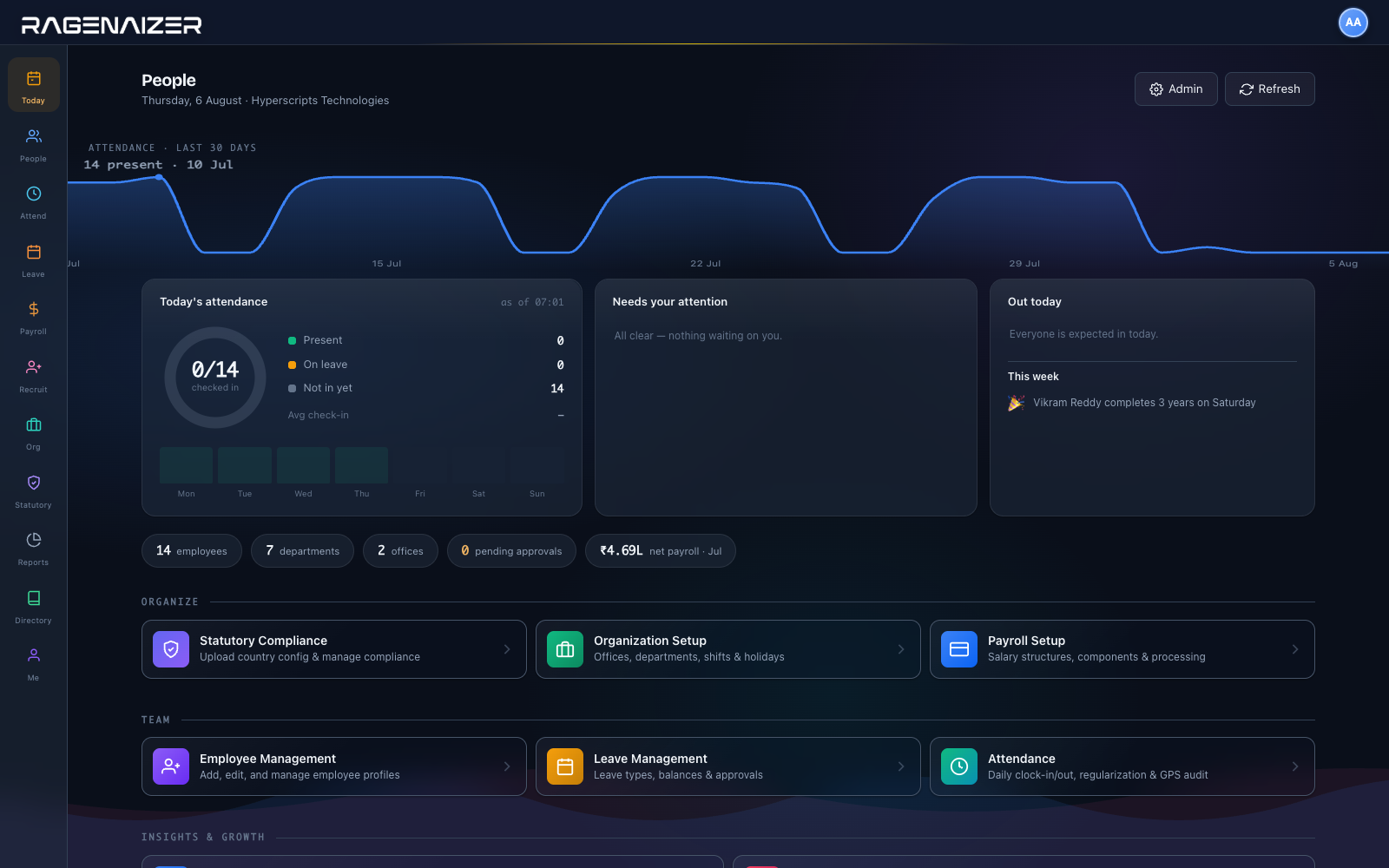
Real screens from a running workspace · collections, last 90 days
Eleven apps that behave like one.
Each one would be worth buying alone. Together they share a login, a permission model, a search index and a customer record — so the work you do in one shows up in the others without an integration, a Zap, or a CSV.
Communication
What your team says to each other, and what you send out.
Money and customers
From the first enquiry through to the invoice and the payment.
People and knowledge
Your team, what they are taught, and what you find out.
All eleven, operable by conversation.
Every module publishes its actions to an agent as tools — over a thousand of them, and roughly half change something. Raise the invoice, approve the leave, add the vendor, score the call. It calls the same endpoints the screens call, so it can only ever do what your own role already permits.
Raise the March invoice for Palm Cove Resorts from last month’s approved timesheets, and tell me if they still owe us anything.
Ready to raise: ₹4,86,000 across 6 members at their project rates, tax applied from the customer’s state. Separately, they are 19 days overdue on an earlier invoice — worth mentioning before this one goes out. Nothing has been written yet · the invoice is a preview until you confirm
Your own API keys, included in the seat. See how the AI works →
Sell online, on the same ledger.
Merch is a free e-commerce platform you run on your own server and point at your Ragenaizer books with a single key. Every order writes a GST-correct invoice and a balanced ledger entry as it happens — so the online shop and the counter are one set of numbers rather than two you reconcile on a Monday.
Not one of the eleven — it runs on your infrastructure and it costs nothing. See Merch →
Follow a single day through the system.
One order, from the mail that started it to the payroll line at the end of the day. Watch the first four steps: the mailbox, the call, the drawing. Those are the ones an ERP does not have — they happen in somebody else's software, and the trail starts only once a human retypes the result.
That day is a service business. If you buy, hold and make physical goods, the thread runs differently — RFQ out, quotes compared, goods received into a FIFO layer, exploded through a bill of materials, built, counted and invoiced. Follow one order end to end →
What a business OS actually means.
It is not a grander word for ERP. The two cover different halves of a company, and almost every business ends up buying one of each and paying somebody to staple them together.
The back office, on one data model
Books, stock, procurement, manufacturing, payroll. Integrated with each other and genuinely well — this is a solved problem, and Odoo, ERPNext and Dynamics all solve it.
Ledger · stock · payroll No mailbox · no calls · no chat · no filesThe front office, on one data model
Mail, meetings, chat, files. Also integrated with each other, also well — Microsoft 365 and Google Workspace have done this for twenty years.
Mail · calls · chat · files No ledger · no stock · no payrollBoth halves, on one data model
The mail that started the order and the journal entry that ends it are rows in the same system, under the same permissions, on the same customer. There is no join to maintain because there is no join.
Mail · calls · chat · files · ledger · stock · payroll Eleven modules — about twenty-eight products' worthWhich is why the four products worth comparing us against are the ones that also try to span both — and why we say so on their own comparison pages, gaps included. See the comparisons →
The things that actually cost you.
One bill, not eleven
Most teams pay separately for video, mail, storage, CRM, HR and books — then pay again in per-seat creep every time someone joins. One platform, one line item, priced per company rather than per tab.
Your data stays yours
Your books, your contacts, your recordings and your files sit in one place you can export whole, whenever you want. No vendor holds a piece of your business hostage in a format only they read.
Built for how India runs
GST-ready invoicing, e-invoice and payroll that understands Indian compliance — with the same payroll engine handling UAE, UK and US when you hire outside. Country rules are configuration, not a rewrite.
Put the whole company on one desk.
Start with the products you need today. The rest are already there when you want them — no migration, no new login.