The call ends.
The record stays yours.
HD video on media servers we run ourselves — not rented from a conferencing vendor. The transcript lands in your workspace and the summary next to the project it belongs to.
One module, 2 products. Sold separately almost everywhere else as video meetings and the transcription add-on.
Meetings, captions and recordings in detail →
What a meeting here actually leaves behind
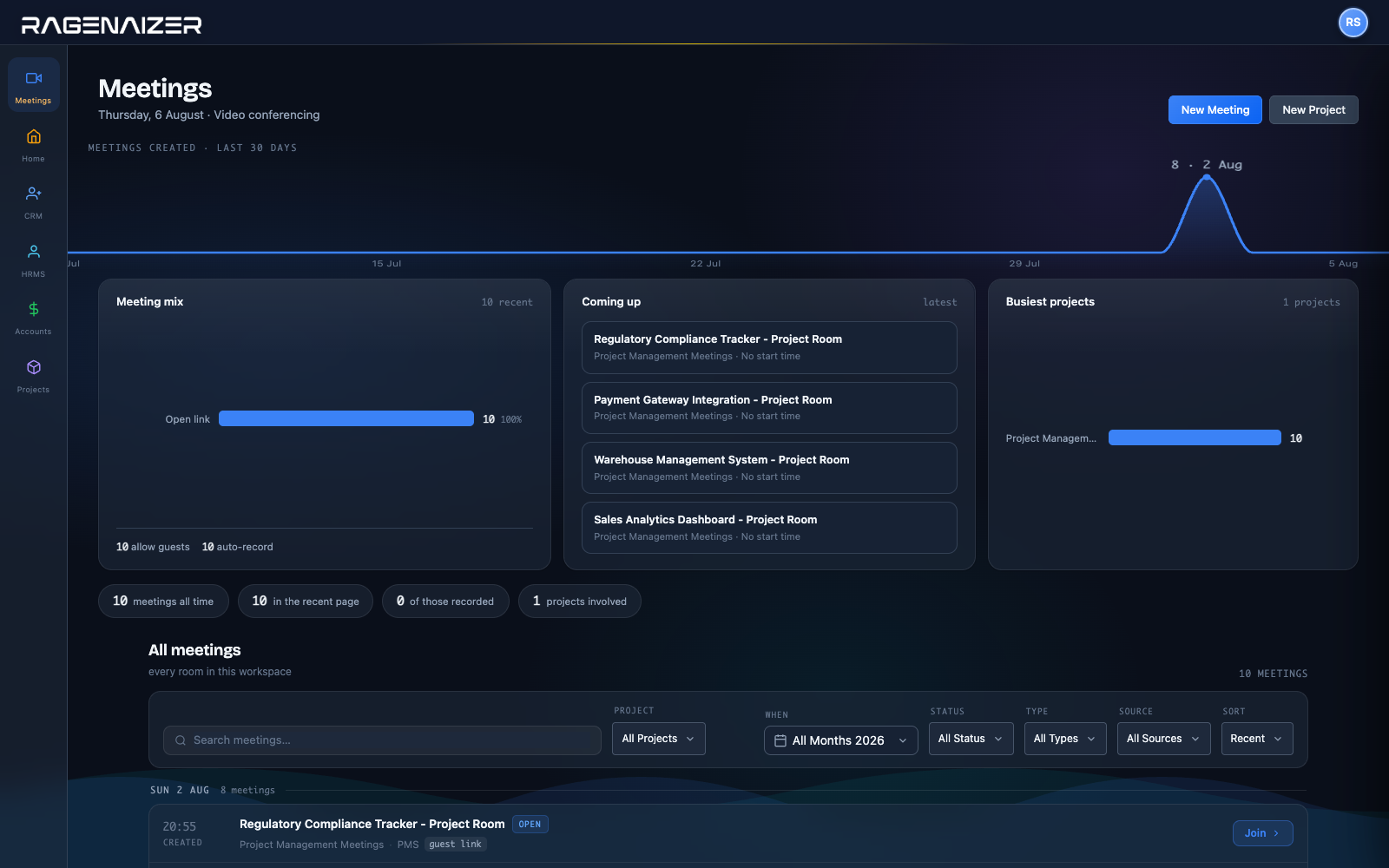
Every room in the workspace.
Meetings created over the last month, what is coming up, and which projects are actually meeting — rather than a list of links with no idea which ones matter.
In the room, and after it.
The things a working meeting needs, and none of the things that exist to be listed on a comparison table.
The things people ask on the first call.
Where do recordings actually go?
Into your Drive in this platform, as a file in your workspace. Not a vendor's cloud with a retention policy and a link that stops working when somebody downgrades a plan.
Do you run your own media servers?
Yes — the selective forwarding servers and the relay behind them are ours to operate, rather than a conferencing API we resell. That is what makes the answer to the previous question possible.
How do live captions work?
A transcription bot joins the room and subscribes to each participant's microphone, so captions come from one place rather than every laptop guessing separately.
It needs a speech-to-text key configured for your tenant, and at least two people in the room. Without a key the feature is not shown at all rather than shown and broken.
Can people outside the company join?
Yes, from a link, without an account — when the meeting is set to allow guests. It is a per-meeting setting, not something gated behind a higher tier.
What are the meeting types?
Regular, where anyone with the link joins. Hosted, where the host has to start it first and then anyone with the link joins. And participant-controlled, where only the people on the list can get in.
Do we get a summary, or just a wall of text?
Both. The transcript is kept per session and exports as text or JSON, and a summary can be generated from it — which is what the person who missed the call actually reads.
Is it a separate subscription?
No. Meetings is one of the apps in the block — the same login as your CRM, your projects and your books, with the recording landing in the same Drive.
Meet where the rest of the work already is.
One login, one bill, and a recording that stays in your own workspace afterwards.
This is one module of the business OS, not a point tool. Meetings on its own does what is usually sold as two: the video product and the transcription add-on. The same seat opens Meetings, Mail, Chat, Drive, CRM, HR, Accounts, Projects, Procurement, Learning and Research — eleven modules covering about twenty-eight products' worth, on one login, one permission model and one ledger. You are not buying a meetings app; you are putting the company on one system.